Expert facilitators from Robotixkids deliver programmes at your school
Training platform and resources from Inspire Africa
Multi-learner STEM kits with bulk pricing for schools
Online STEM courses on the Inspire Africa platform
Looking for something else?
View all our education solutions and find the right fit for your school.

Brand: ELECFREAKS
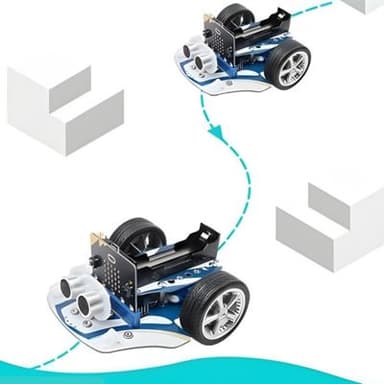
The robot car that grows with your child, from first block of code to autonomous navigation
Complete your purchase:

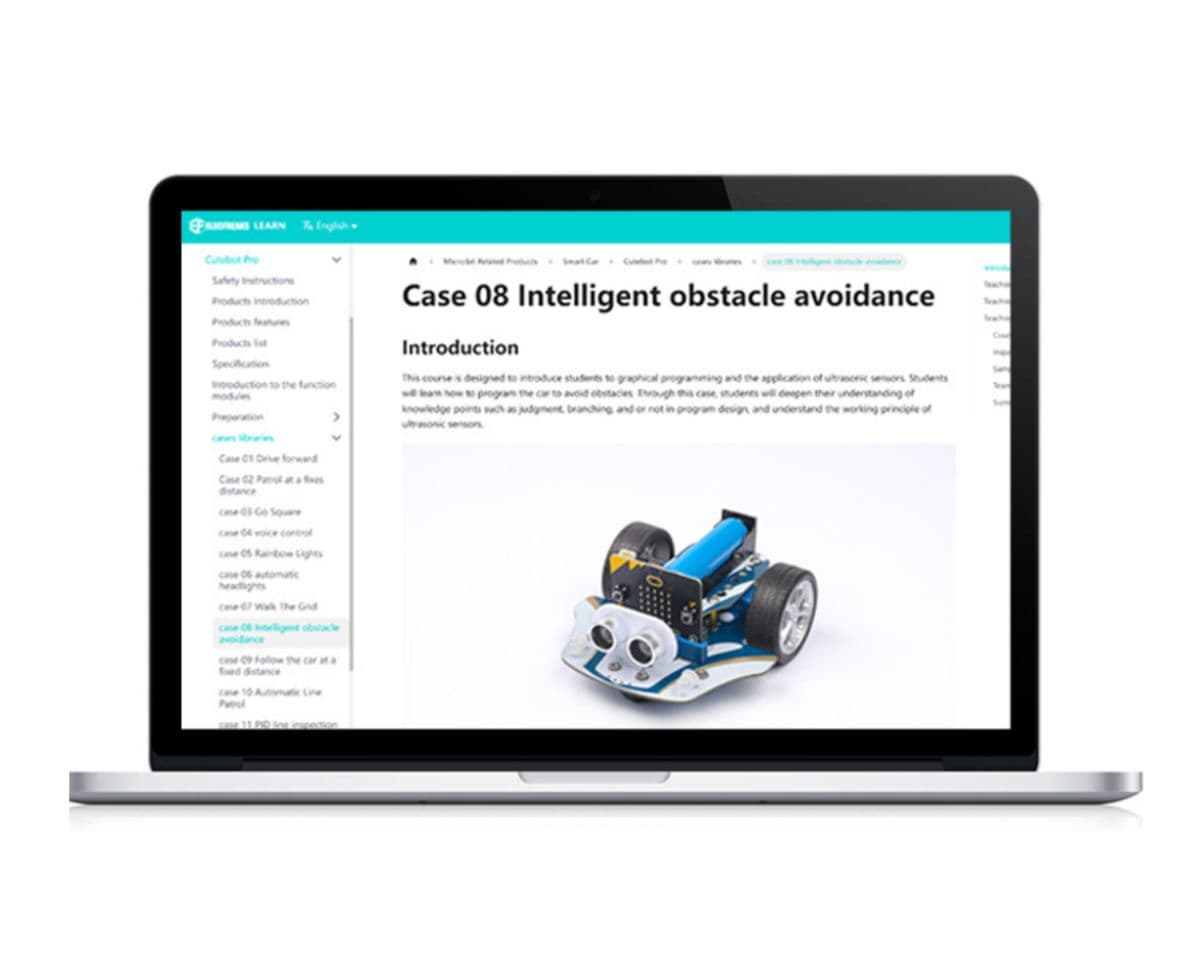
The 19 official tutorial cases are designed to build on each other. Your child starts by programming the robot to drive forward, then gradually takes on more complex challenges: controlling exact distances, responding to sound, following lines, and finally implementing a real PID control algorithm. Every step has sample code and clear explanations on the free ELECFREAKS wiki, so they can learn independently without needing you to be a coding expert.
Built for learners who are ready for more than basic driving.
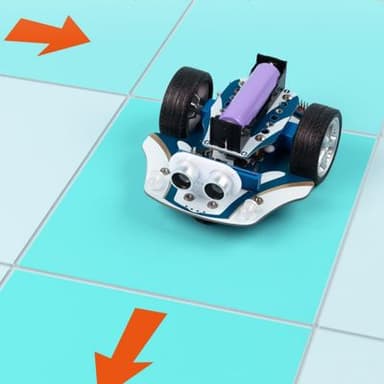
Precise control of distance and turning angle. Your child can programme the robot to drive exactly 50cm or turn precisely 90°, which opens up grid navigation, geometric paths, and accurate autonomous driving.
Four infrared sensors detect complex intersections like crossroads and T-junctions. They also support PID line inspection, a real-world algorithm used in industrial robotics.
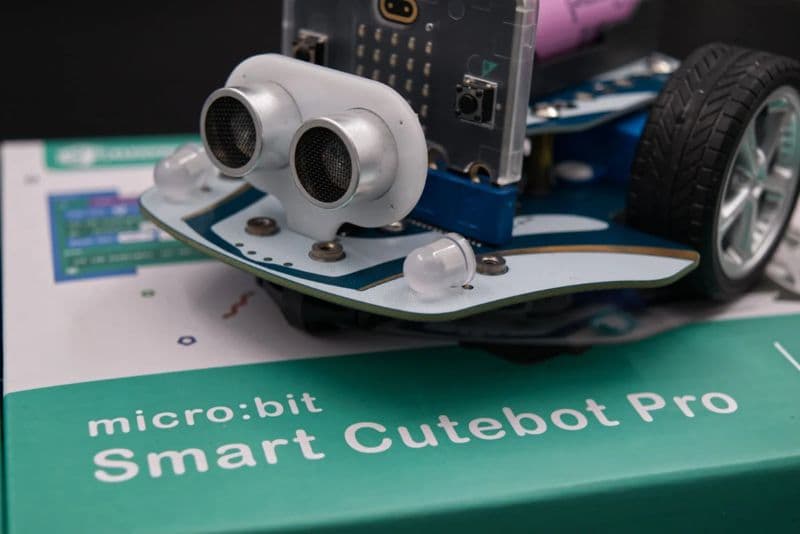
The sensor measures distance to objects in real time for autonomous obstacle avoidance and follow-me behaviour. It's the same technology behind parking sensors and driver assistance systems.
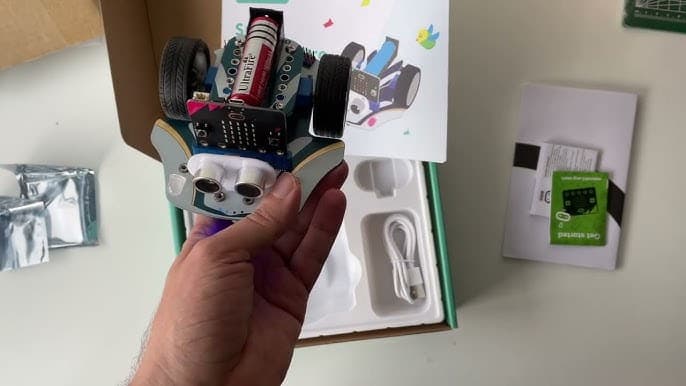
The built-in 18650 battery charges via any USB cable in about 2 hours, so no disposable batteries are ever needed.
The robot works with Bluetooth, an infrared remote, a Joystick:bit gamepad, or a second micro:bit tilted as a controller. Your child can start with a remote and work up to fully autonomous programmes.
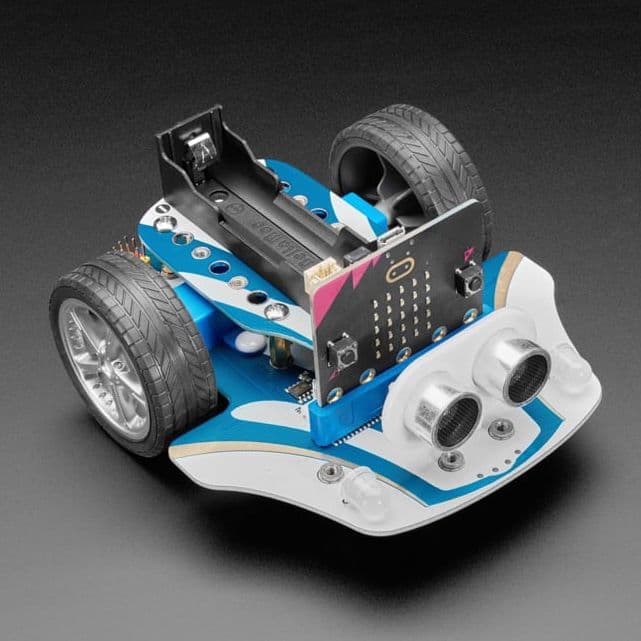
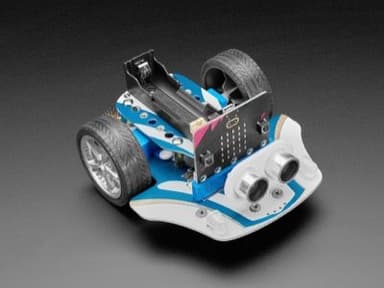
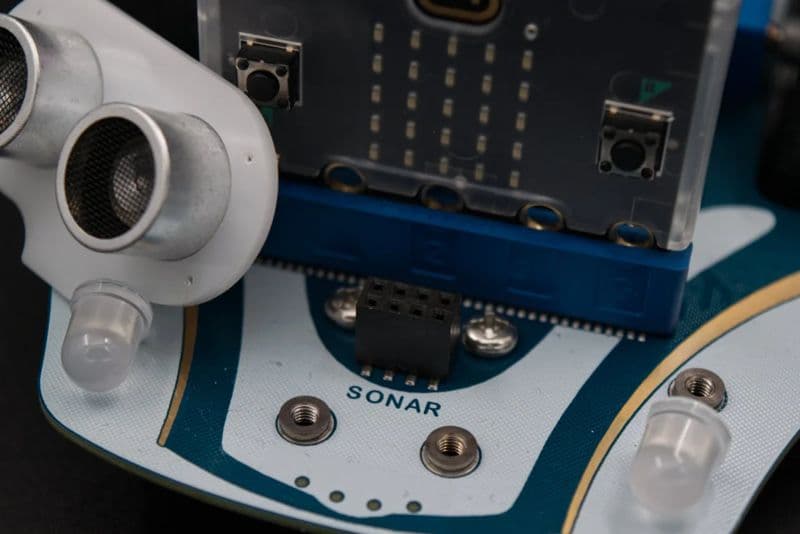
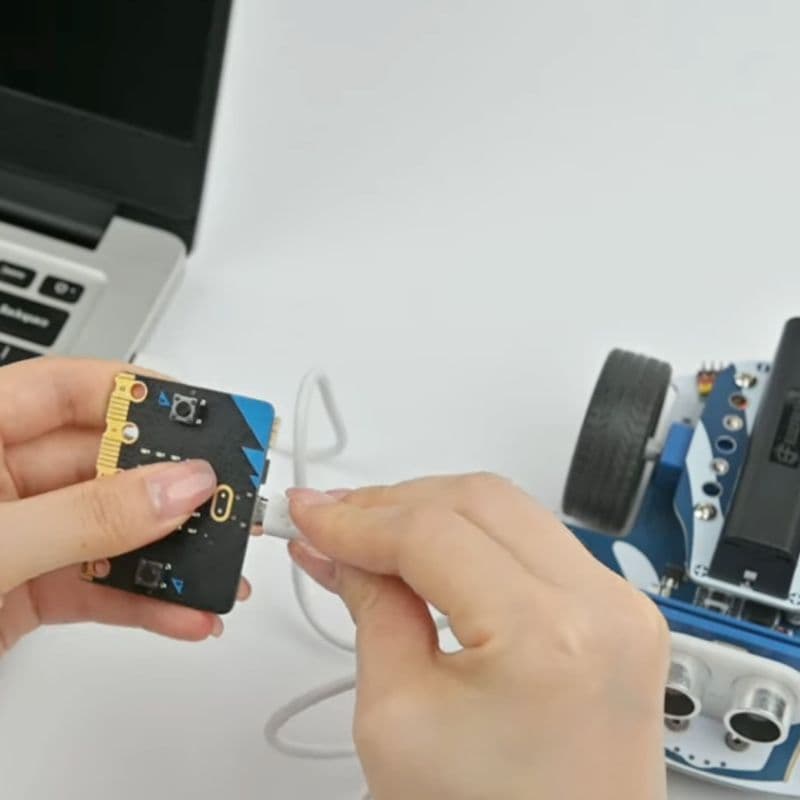
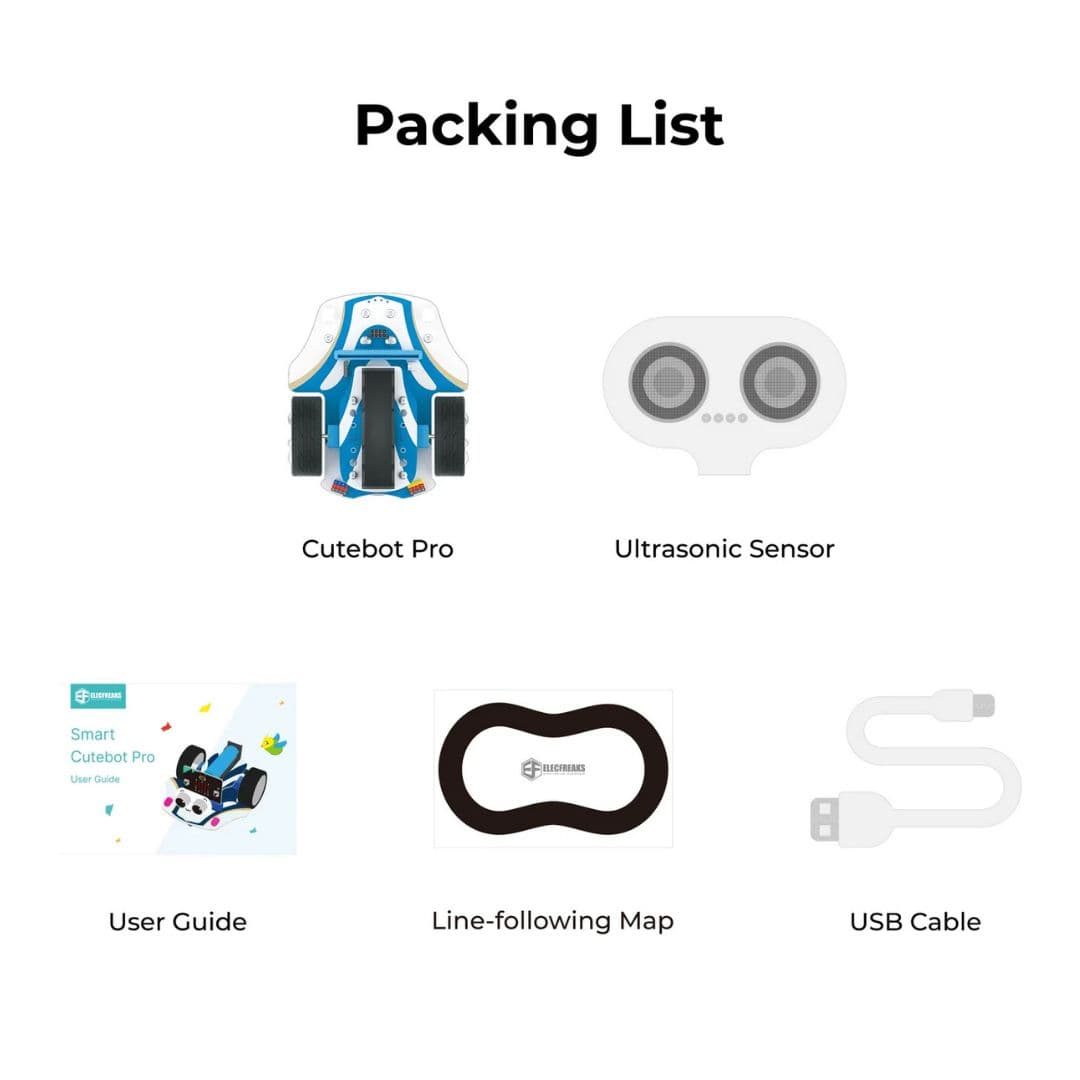
Attach the ultrasonic sensor, add the battery, and you're coding within 10 minutes. No assembly required.

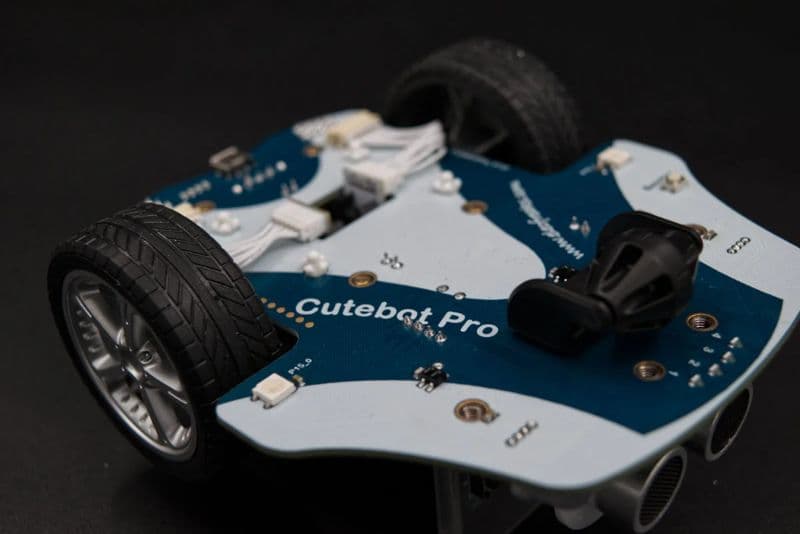
Four servo ports, four GPIO outputs, an I2C connector, and mounting holes for building blocks make the Cutebot Pro a proper platform. Your child can attach a mechanical claw to pick up objects, build a forklift with Lego-compatible blocks, connect an AI camera to recognise road signs, or create a ball-launching vehicle. These aren't hypothetical. ELECFREAKS provides complete tutorials for every one of those builds. When your child runs out of challenges, there's always a next level.
From 'Drive Forward' to autonomous obstacle avoidance and AI vision
The core projects progress from basic motor control to advanced sensor integration. Here are six that show the range.

Write your first programme to move the robot forward at a set speed and duration.
Learn: Motor control, speed, timing

The robot responds to clapping or noise, and louder sounds make it go faster.
Learn: Sensor input, conditional logic, real-time data

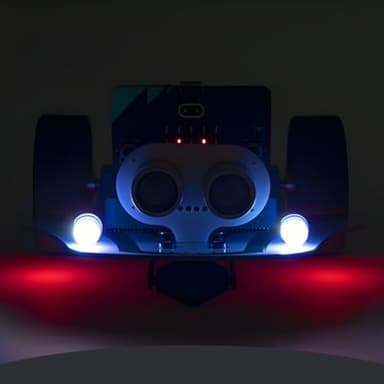
Programme dynamic colour effects across the onboard RGB LEDs while the robot drives.
Learn: RGB control, colour theory, synchronisation

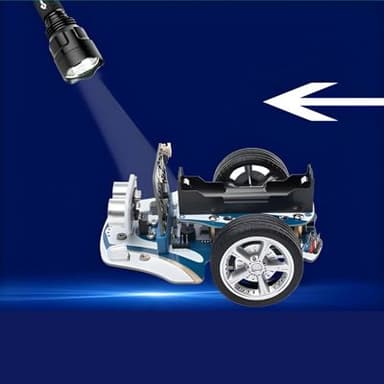
The robot uses its light sensors to detect a light source and steer towards it.
Learn: Light sensing, conditionals, sensor-driven navigation

The robot detects obstacles with its ultrasonic sensor and steers around them autonomously.
Learn: Ultrasonic sensor, autonomy, decision-making
Advanced smooth line-following using a proportional-integral-derivative control algorithm.
Learn: PID algorithm, 4-way sensors, parameter tuning
Plus 13 more projects including Automatic Headlights, Follow the Car at a Fixed Distance, Walk the Grid, and extended builds like a Mechanical Claw, Forklift, and AI Road Signs Cart
Real builds from real learners.


| Dimensions | 132 × 114 × 50 mm |
| Weight | 138 g |
| Compatibility | BBC micro:bit V1 & V2 |
| Motor Type | N20 metal-geared encoder motors, 300 RPM max |
| Line Sensors | 4× infrared (supports PID line inspection) |
| Distance Sensor | Ultrasonic HC-SR04+ |
| Lighting | 4× RGB LEDs (2 headlights + 2 NeoPixel underlights) |
| Wireless | Bluetooth + infrared receiver |
| Battery | 18650 Li-ion, 2000 mAh (not included) |
| Charging | USB, ~120 minutes |
| Expansion | 4× servo ports, 4× GPIO, I2C, extra DC motor output |
| Programming | MakeCode (blocks) & MicroPython (text) |
| Soldering Required | No |
| Assembly Required | Minimal: sensor and battery only, no tools needed |
19 guided projects, precision motors, and a platform that will challenge your child for years.