Need help choosing?
Our team can recommend the perfect kit for any age or skill level.
Expert facilitators from Robotixkids deliver programmes at your school
Training platform and resources from Inspire Africa
Multi-learner STEM kits with bulk pricing for schools
Online STEM courses on the Inspire Africa platform
Looking for something else?
View all our education solutions and find the right fit for your school.

Brand: MatataStudio
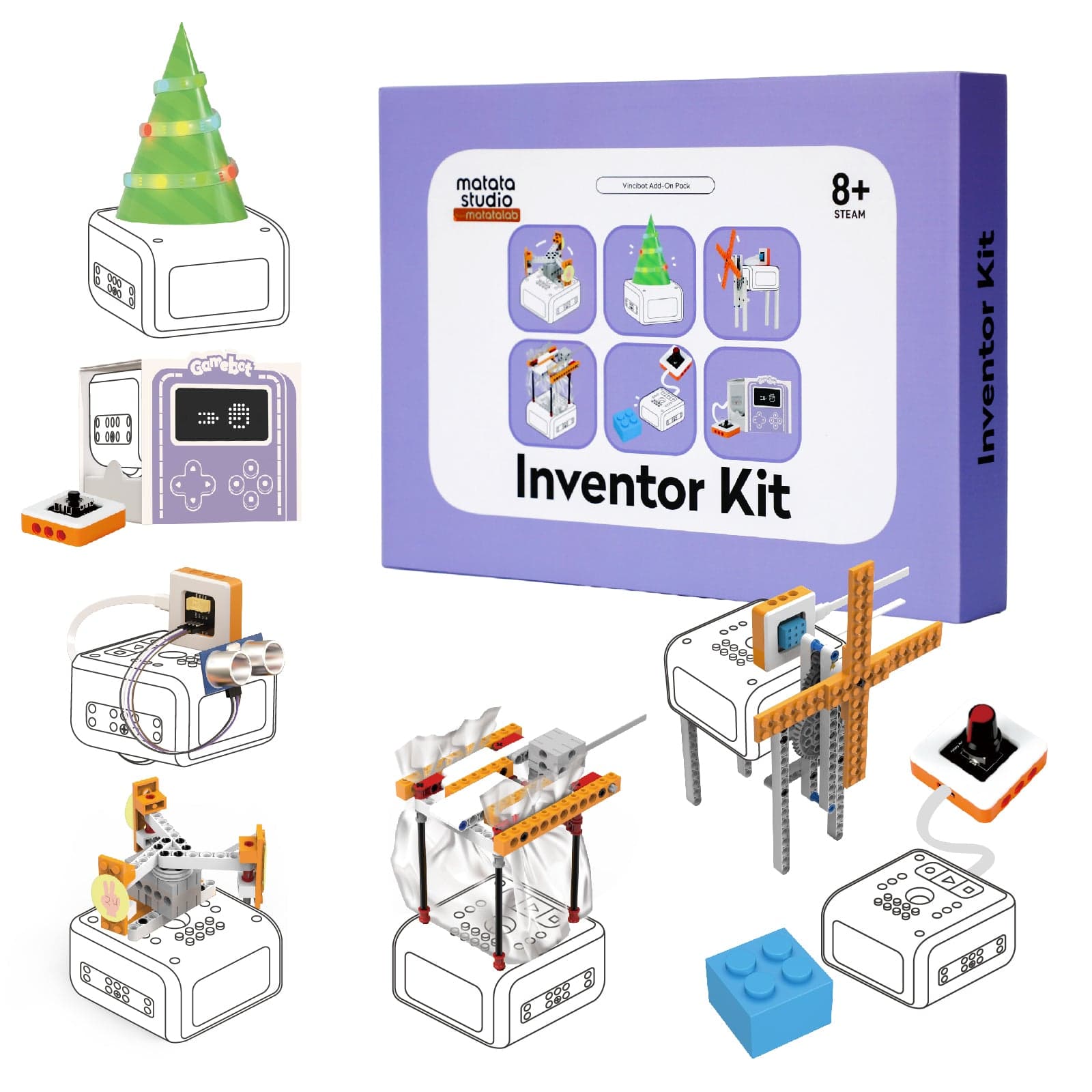
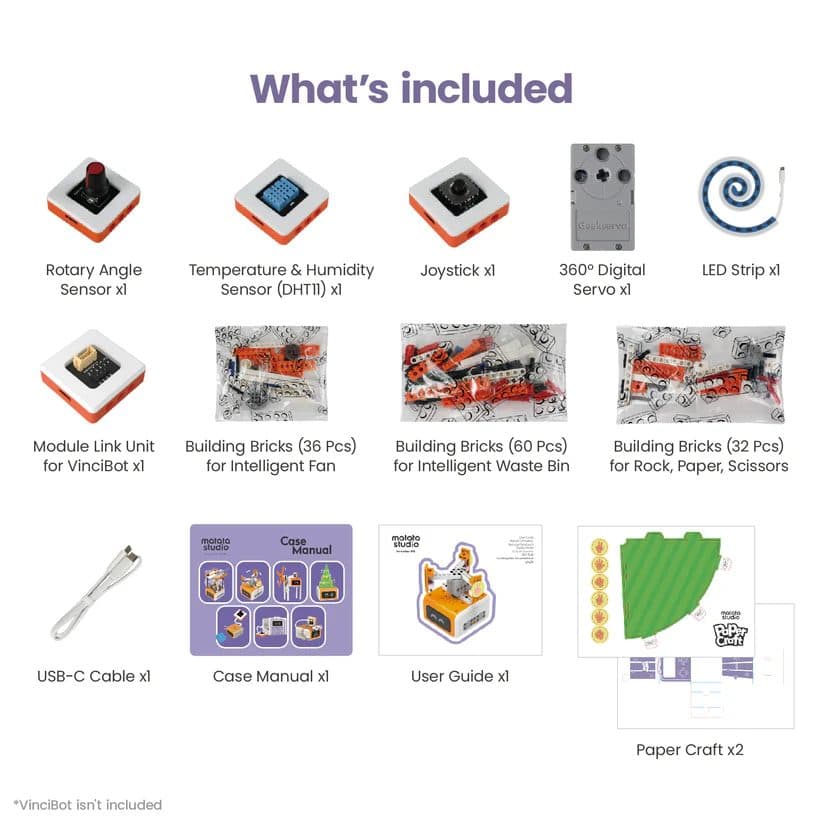
5 real electronic sensors and 7 guided projects — add electronics to your VinciBot
Complete your purchase:
This is an electronics expansion for MatataStudio VinciBot Coding Robot Set. You'll need VinciBot to use it — already have one? This is your next step.

Your child writes a condition: if temperature is above 25°C, turn on the fan. They press run. The servo motor whirrs. The fan spins. What was abstract code is now a physical response to the real world. That's physical computing — and it's the same principle behind every smart device, IoT sensor, and home automation system ever built. The Inventor Kit makes this moment tangible, playful, and completely within reach of a child aged 8.
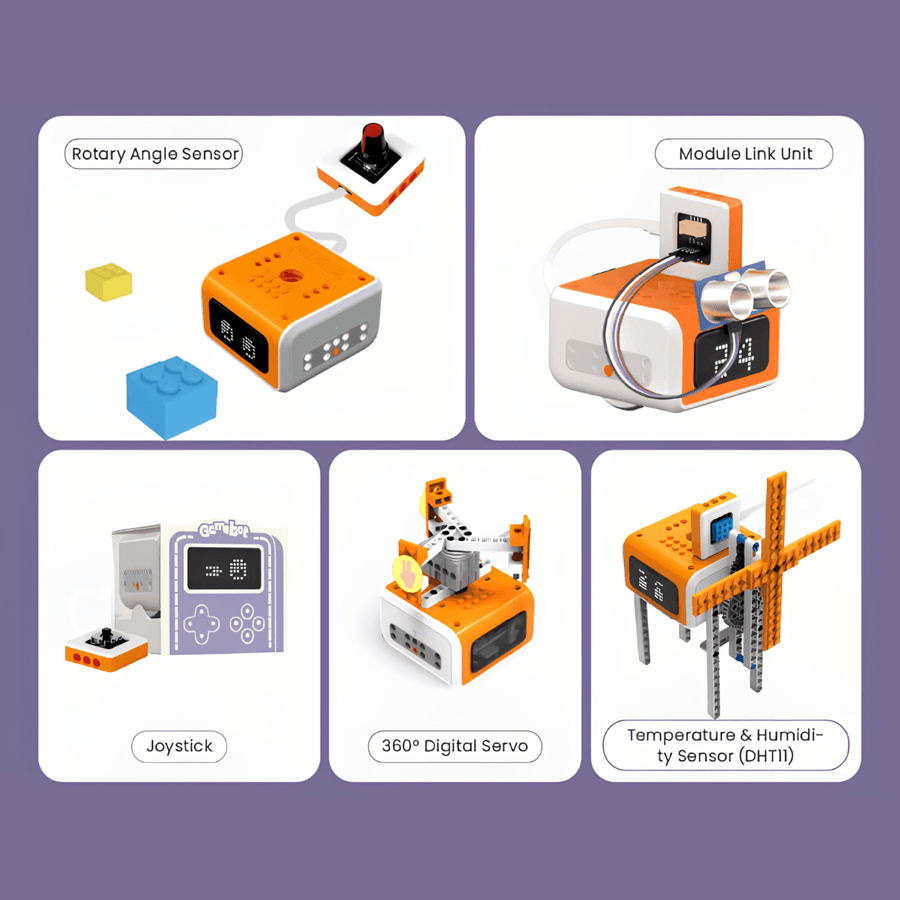
Each module teaches a different type of physical computing — from sensing the environment to controlling movement to creating light displays.
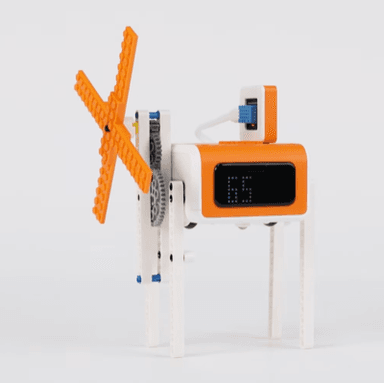
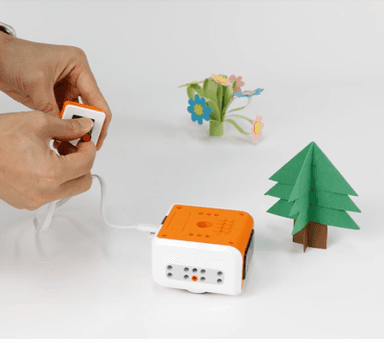
Measure real temperature and humidity values. Write code that reacts to data — activate a fan when it's hot, display readings on VinciBot's screen.
A 2-axis analog controller with push-button. Control VinciBot, build game interfaces, and create directional inputs — the same mechanism in every game controller.
Precise continuous rotation for opening lids, spinning fans, and raising arms. Write code that translates directly into reliable, repeatable mechanical motion.
Programmable colour LEDs for visual feedback, lighting effects, and data displays. Map sensor values to colours for instant, intuitive visualisation.
A physical knob that outputs 0–270° of input. Control speed, brightness, or direction with a dial — satisfying, intuitive, and great for learning analog input.
Connect VinciBot to any Arduino or Micro:bit-compatible sensor. One adapter opens the door to thousands of third-party modules and self-directed experiments.

Most STEM kits are closed systems — use what's in the box, nothing more. The Inventor Kit's Module Link Unit breaks that barrier. Once your child has completed the 7 guided projects, they can connect third-party DC motors, servos, and sensors from the Arduino and Micro:bit ecosystems. Soil moisture sensor, ultrasonic distance meter, colour detector — if it exists in the maker world, VinciBot can work with it. The 7 projects are the start. What comes next is limited only by curiosity.
7 guided build-and-code projects in a step-by-step building manual
Each project introduces a different electronic component and a new programming concept — from conditional logic to game design.

Construct a fan from building bricks, connect the servo, and program it to activate based on a real temperature reading.
Learn: Servo control, conditional logic, temperature sensing

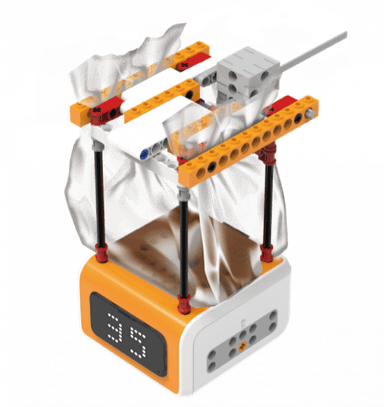
Build a bin with a servo-operated lid and code it to open on command using the joystick or a sensor trigger.
Learn: Servo actuation, user input, event-driven programming

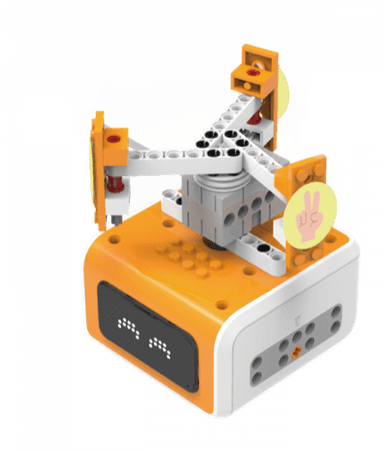
Build a joystick controller and program a fully playable Rock, Paper, Scissors game using VinciBot's display and LED strip.
Learn: Joystick input, conditionals, random number generation, game logic

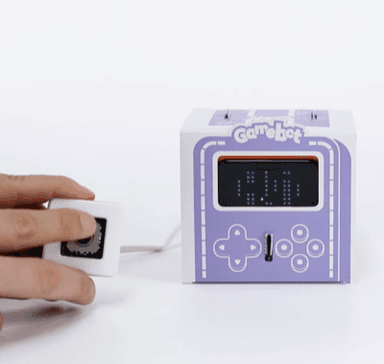
An open-ended creative challenge: design and build your own interactive game using the joystick and LED outputs.
Learn: Creative coding, game design thinking, variables, conditionals

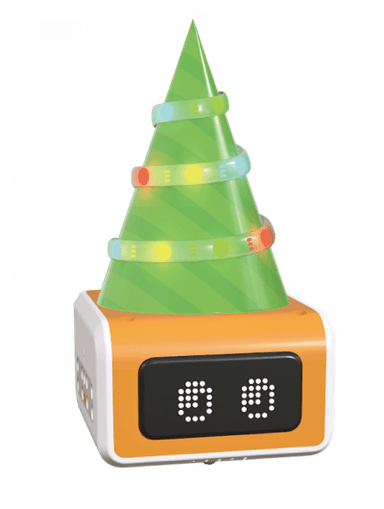
Program the LED strip to respond to a rotary dial — build a mood lamp your child controls with a physical knob.
Learn: Analog input, LED programming, value mapping, visual output

A collection of shorter, exploratory activities using all five modules — perfect for experimenting and getting comfortable with each component.
Learn: Component exploration, basic programming, experimentation
Plus a 7th project in the building manual — and unlimited possibilities with the Module Link Unit.

| Age Range | 8+ |
| Soldering Required | No |
| Batteries Required | No — powered through VinciBot via USB-C |
| Coding Platform | coding.matatalab.com (Scratch blocks + Python) |
| Compatible OS | Windows, Mac, iOS, Android |
| Internet Required | Yes (for coding platform — browser-based) |
| Building Bricks | 128 pieces (3 bags) |
| Box Dimensions | 10.2 × 13.2 × 2.1 inches |
| Material | ABS plastic (LEGO-compatible) |
| Third-Party Compatibility | Arduino, Micro:bit (via Module Link Unit) |
| LEGO Compatible | Yes |
| VinciBot Required | Yes (sold separately) |
7 guided projects, 5 real sensors, and a gateway to Arduino. The next chapter in your child's VinciBot journey.