Expert facilitators from Robotixkids deliver programmes at your school
Training platform and resources from Inspire Africa
Multi-learner STEM kits with bulk pricing for schools
Online STEM courses on the Inspire Africa platform
Looking for something else?
View all our education solutions and find the right fit for your school.

Brand: ELECFREAKS
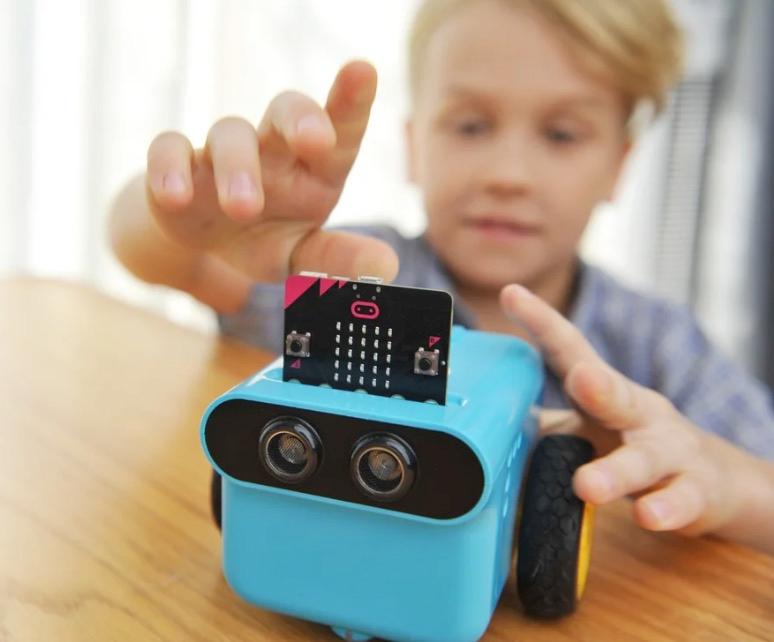
A friendly robot car that drives itself straight out of the box, then becomes your child's first coding robot when they add a micro:bit

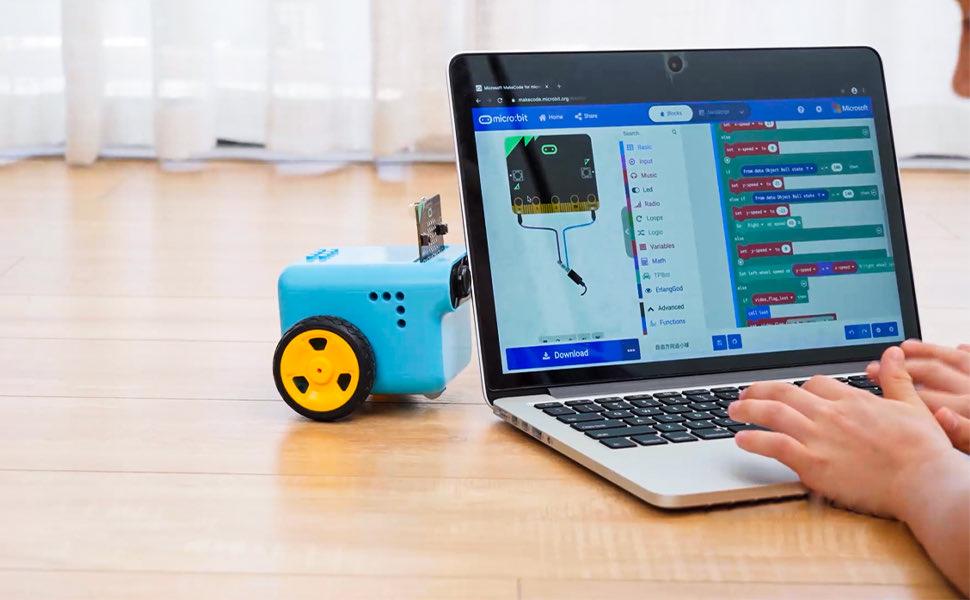
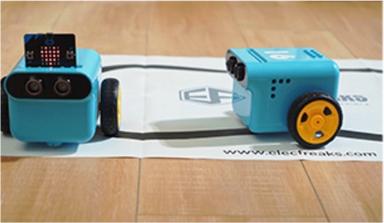
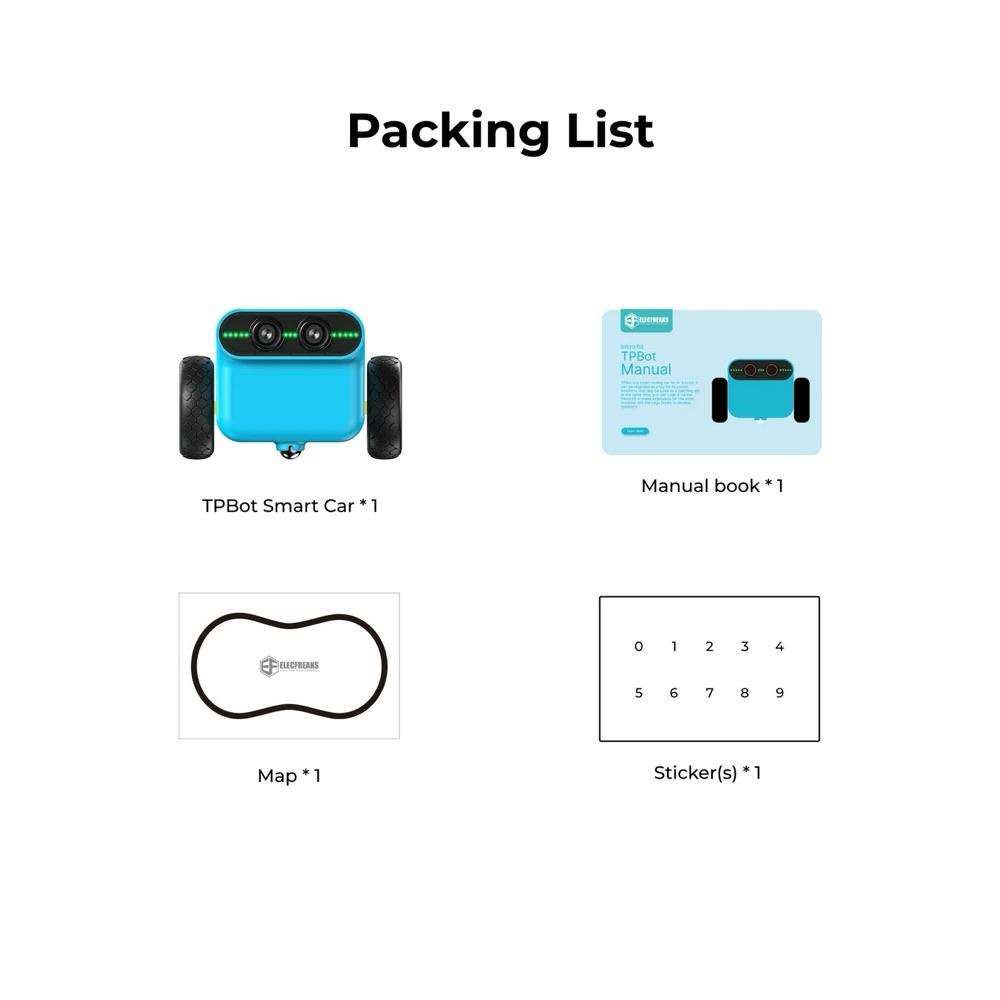
TPBot has a built-in self-driving mode. Pop in four AAA batteries, press the power button twice, and it follows the black track on the included map, stopping with red headlights when something blocks its way. When your child is ready to take charge, they slot a BBC micro:bit into the top and the car does whatever they programme it to do.
The sensors and lights are already inside, so your child can start coding without wiring anything.
The two round 'eyes' on the front measure how far away things are, from 2 cm up to 4 m. Your child uses them to dodge obstacles and follow another car.
Infrared sensors underneath spot dark lines on the floor. That's how TPBot follows a track, parks on a line, or stops itself from driving off the edge of a table.
RGB headlights can be set to any colour. Kids use them to make flashing police lights or headlights that switch on when the room gets dark.
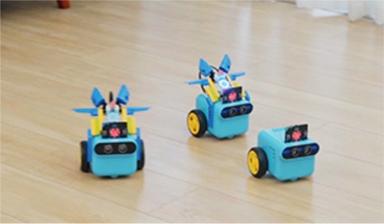
Studs on top and joints on both sides take standard building bricks, so your child can add bumpers, trailers, or a sweeper arm of their own design.
Four sensor ports and four servo connectors mean TPBot can grow with extra modules like a gesture sensor, a colour sensor, or an AI camera.
The car comes fully built in a tough, enclosed plastic shell with no exposed circuit board. Unbox it and play.

Coding happens in Microsoft MakeCode, a free website where your child snaps together colourful blocks like puzzle pieces. There's nothing to install. The tutorials on the ELECFREAKS website come with sample code that opens in one click, so they can see how it works and then change the numbers to make TPBot faster or more cautious. Older kids can switch to Python and write the same programmes as text.
23 step-by-step projects with free online tutorials and sample code
The projects get harder as they go. The first 11 need only TPBot and one micro:bit. Here are six favourites.
Teach TPBot to follow the black track on the included map by stopping one wheel whenever a sensor sees the line.
Learn: Sensors, if/else decisions, steering

When something comes within 15 cm, TPBot stops, flashes its lights, reverses and turns away.
Learn: Distance sensing, variables, loops

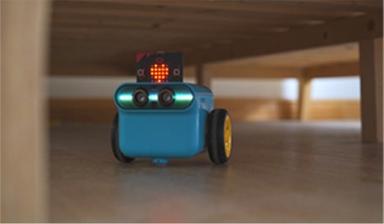
Drive under a bed or into a dark room and watch the headlights switch on by themselves.
Learn: Light sensing, thresholds

TPBot keeps a set gap behind the car in front, speeding up, stopping or backing off as needed.
Learn: Distance ranges, feedback, cruise control

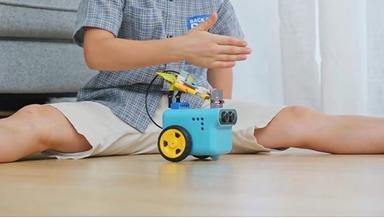
Wave a hand over a gesture sensor to drive forward, back, left and right. Needs the add-on gesture sensor.
Learn: Gesture sensing, add-on modules
Fit the Smart AI Lens camera and TPBot spots a ball and chases it across the floor.
Learn: Computer vision, AI
Plus 17 more, including Here Comes the Police, Fall-arrest TPBot (it won't drive off the table), Seeking Light, and remote control with a second micro:bit you tilt to steer

| Dimensions | 128 × 113 × 90 mm (without micro:bit) |
| Weight | 363 g (without batteries or micro:bit) |
| Compatibility | BBC micro:bit V1 & V2 (not included) |
| Power | 4× AAA batteries (not included) |
| Battery Life | About 1.5 hours of continuous driving |
| Motors | 2× 130 DC motors with 62 mm wheels |
| Distance Sensor | Ultrasonic, 2 to 400 cm |
| Line Sensors | 2× infrared |
| Lighting | RGB headlights |
| Expansion | 2× sensor ports, 2× IIC ports, 4× servo connectors |
| Building Bricks | LEGO-compatible studs and side joints |
| Programming | MakeCode (blocks) & MicroPython (text) |
| Assembly Required | None |
| Soldering Required | No |
Drives itself out of the box, with 23 free projects for when your child wants to take the wheel.