Need help choosing?
Our team can recommend the perfect kit for any age or skill level.
Expert facilitators from Robotixkids deliver programmes at your school
Training platform and resources from Inspire Africa
Multi-learner STEM kits with bulk pricing for schools
Online STEM courses on the Inspire Africa platform
Looking for something else?
View all our education solutions and find the right fit for your school.

Brand: micro:bit
Get your entire group coding from the very first lesson
Complete your purchase:
Age
8+
Batteries
20 x AAA (included)
Projects
60+ Activities
Guide
Make it: Code it
Coding
MakeCode, MicroPython, Scratch
The world's most widely adopted physical computing platform — used in 60+ countries by over 20 million learners.
10 independent boards mean every learner codes simultaneously — no rotation, no waiting. Multiplayer radio activities and collaborative experiments are only possible when the whole group has boards at once.
No software installation. No STEM background required. Learners code from any web browser using MakeCode's intuitive drag-and-drop editor — your group can be up and running in under five minutes.
The Micro:bit Educational Foundation provides continuously-updated free lesson plans, curriculum resources, assessment tools, and teacher training. The value of this kit grows over time — at no additional cost.

The micro:bit's free online project library spans computing, mathematics, science, music, and design. From first LED animations to data-logging science experiments and multiplayer wireless challenges, there is a structured activity for every ability level. The Micro:bit Educational Foundation's Make it: Code it series provides ready-to-teach lessons with defined learning objectives — no lesson planning from scratch required.
Everything an educator needs to run a successful coding session — no specialist equipment, no prior experience required.
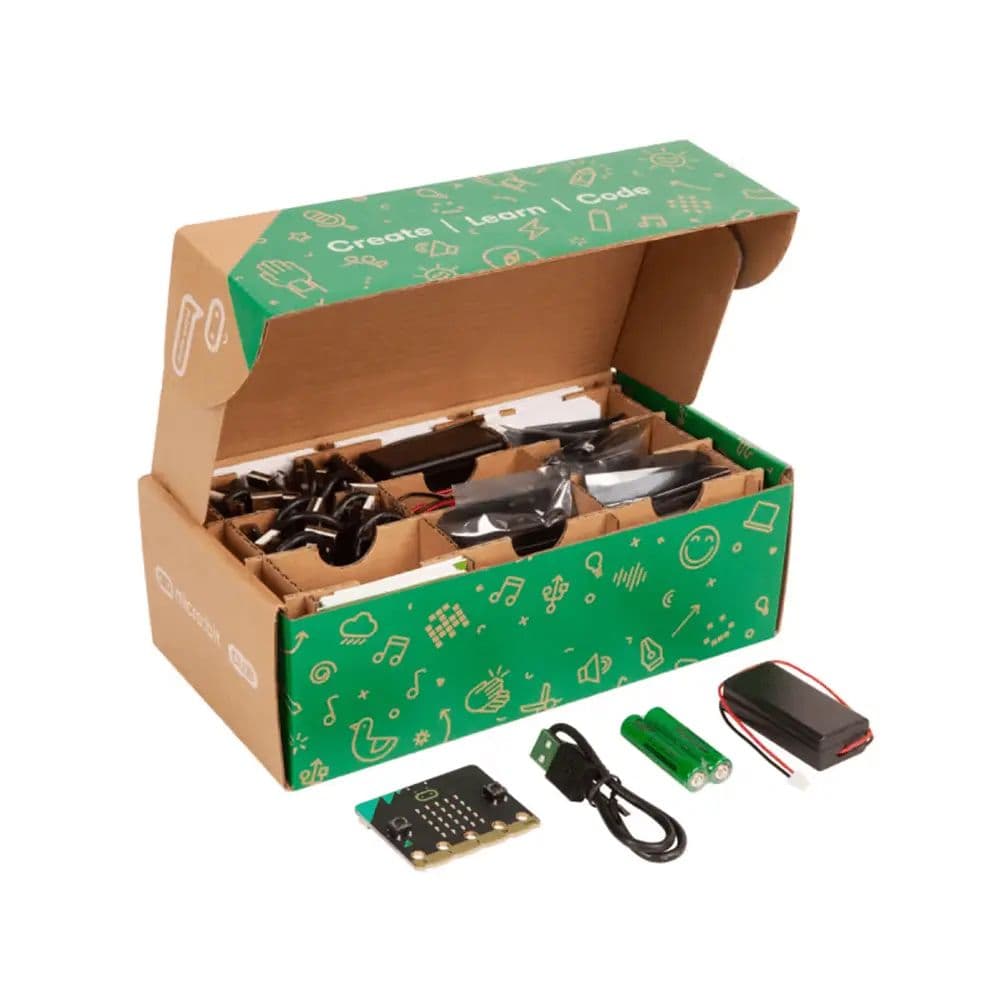
Every board is fully self-contained with cable and batteries. All 10 learners code at the same time — no rotation, no sharing.
MakeCode and MicroPython run entirely online. No app installs, no software licences — just open a browser on Windows, Mac, Chromebook, or tablet.
microbit.org offers hundreds of free, structured lesson plans with clear learning objectives, activity sheets, and assessment guidance.
Crocodile clips connect accessories safely to the edge connector. No tools, no sharp components — completely safe for any school environment.
Robust hardware with no moving parts. One Club pack serves multiple cohorts across multiple years — low total cost of ownership per learner.
Bluetooth 5.0 and 2.4 GHz radio are built into every board. Run class polls, multiplayer games, and collaborative experiments without extra hardware.

Research from the Micro:bit Educational Foundation shows that 80% of learners taught with micro:bit agree computing is easier to understand than other subjects, versus just 52% of those who hadn't used it. After lessons with micro:bit, 80% of girls agreed coding is a useful skill to learn. And 84% of educators reported increased confidence in teaching computing after using micro:bit resources. These are measurable outcomes documented across thousands of classrooms worldwide.
60+ free activities spanning computing, science, music, and design — with defined learning objectives for every lesson
Activities progress from first-time coding tutorials to advanced wireless and data-science projects, making the Club pack suitable for mixed-ability groups across Grades 4–12.

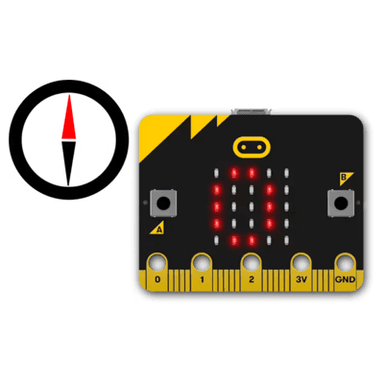
Build a working compass that points north using the built-in magnetometer
Learn: Magnetometer, conditionals, compass bearing

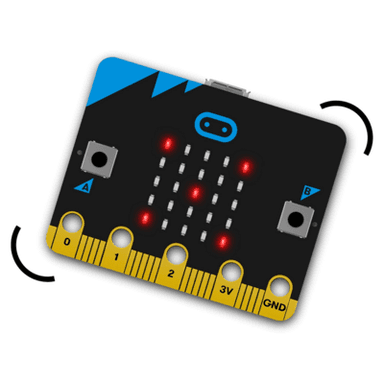
Shake the board to roll a random number with a graphical display
Learn: Accelerometer input, random numbers, LED graphics

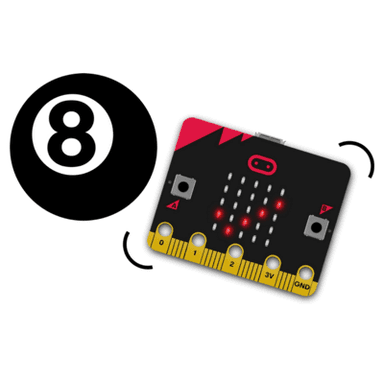
Ask a question, shake the board, and get a random answer
Learn: Accelerometer, random numbers, strings

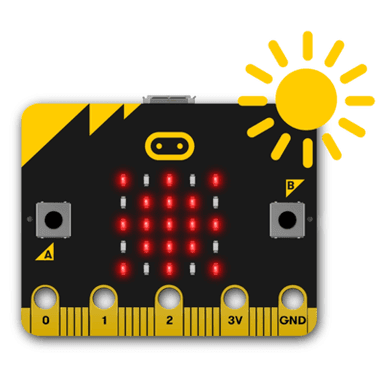
Measure ambient light levels using the built-in light sensor
Learn: Light sensor, analog input, data display

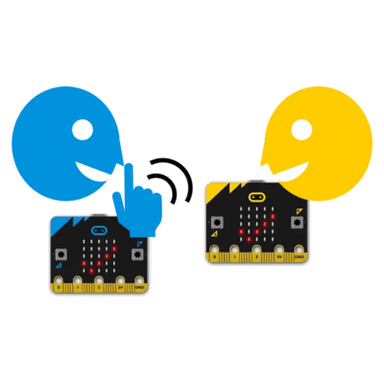
Send a secret message wirelessly to a classmate's board
Learn: 2.4 GHz radio, strings, wireless communication

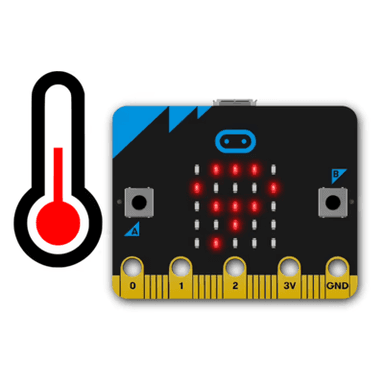
Read and display the room temperature using the onboard sensor
Learn: Temperature sensor, variables, data display
Plus 40+ more activities at microbit.org — beginner tutorials, science experiments, music projects, wearables, and advanced AI/machine learning with CreateAI
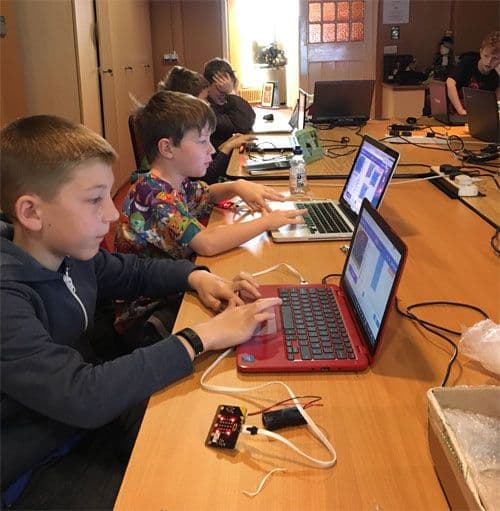
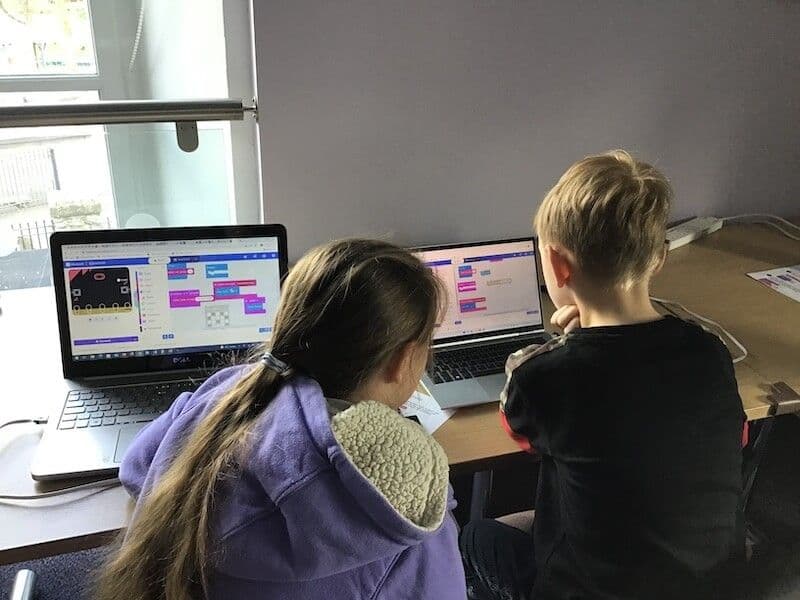
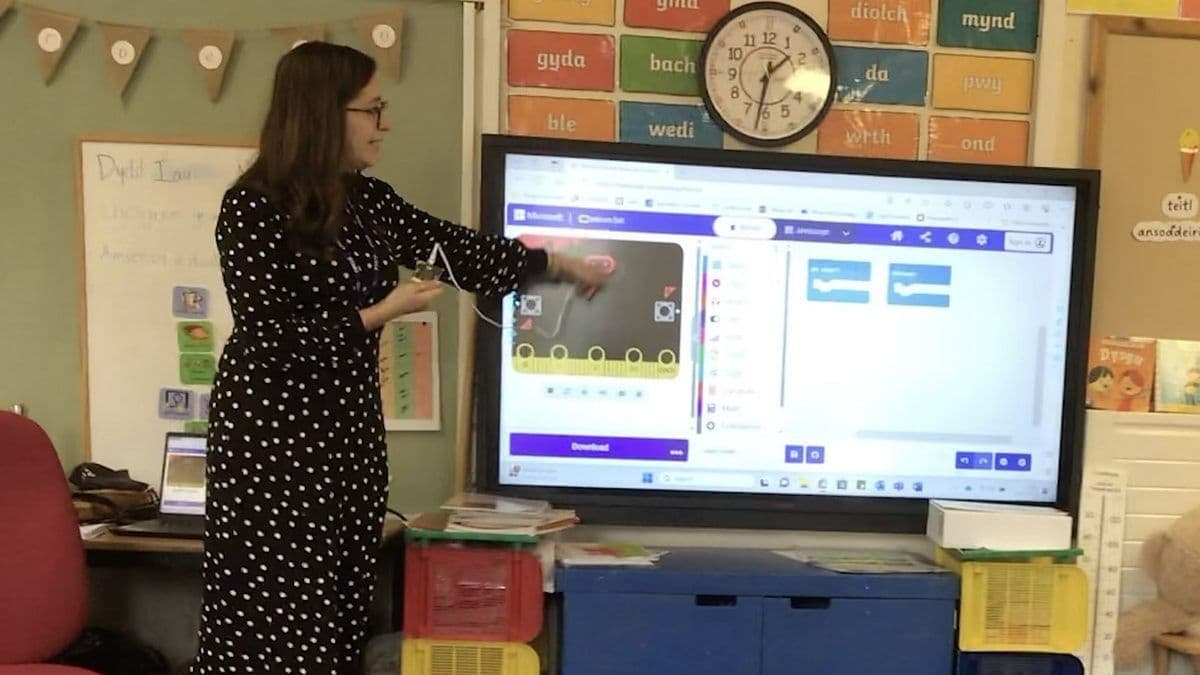
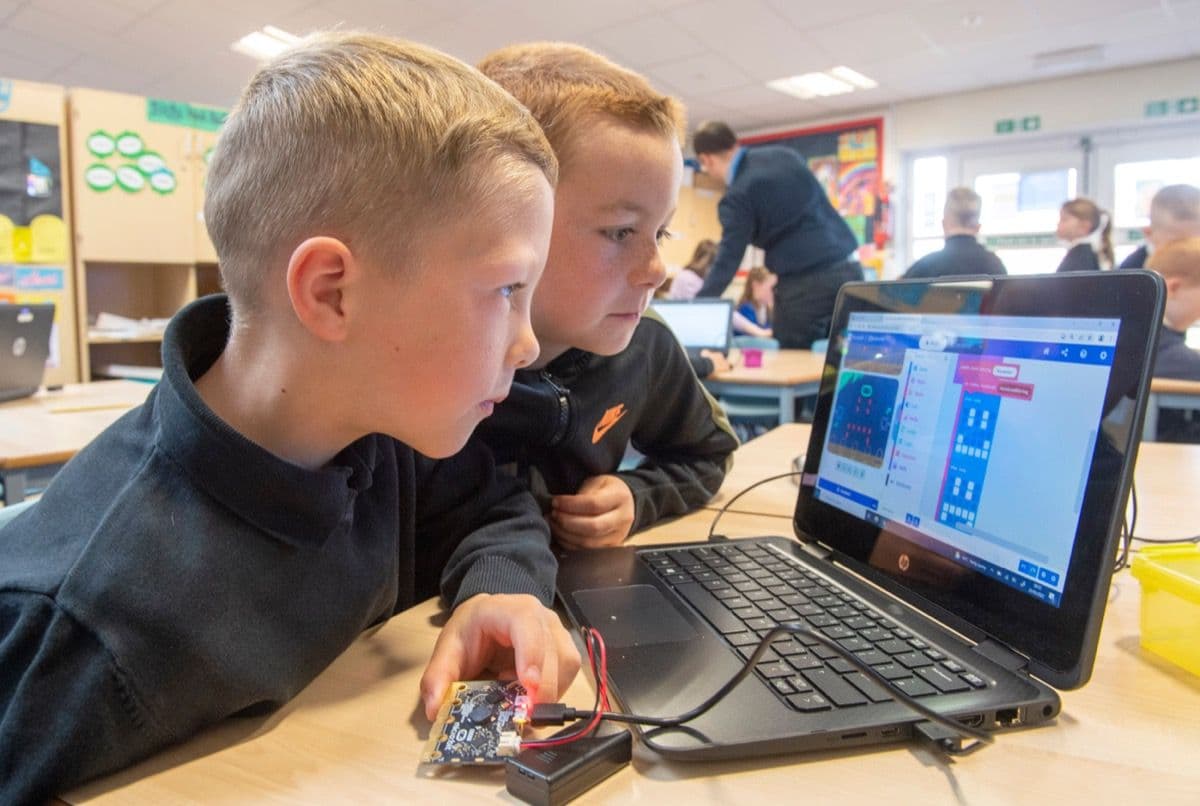
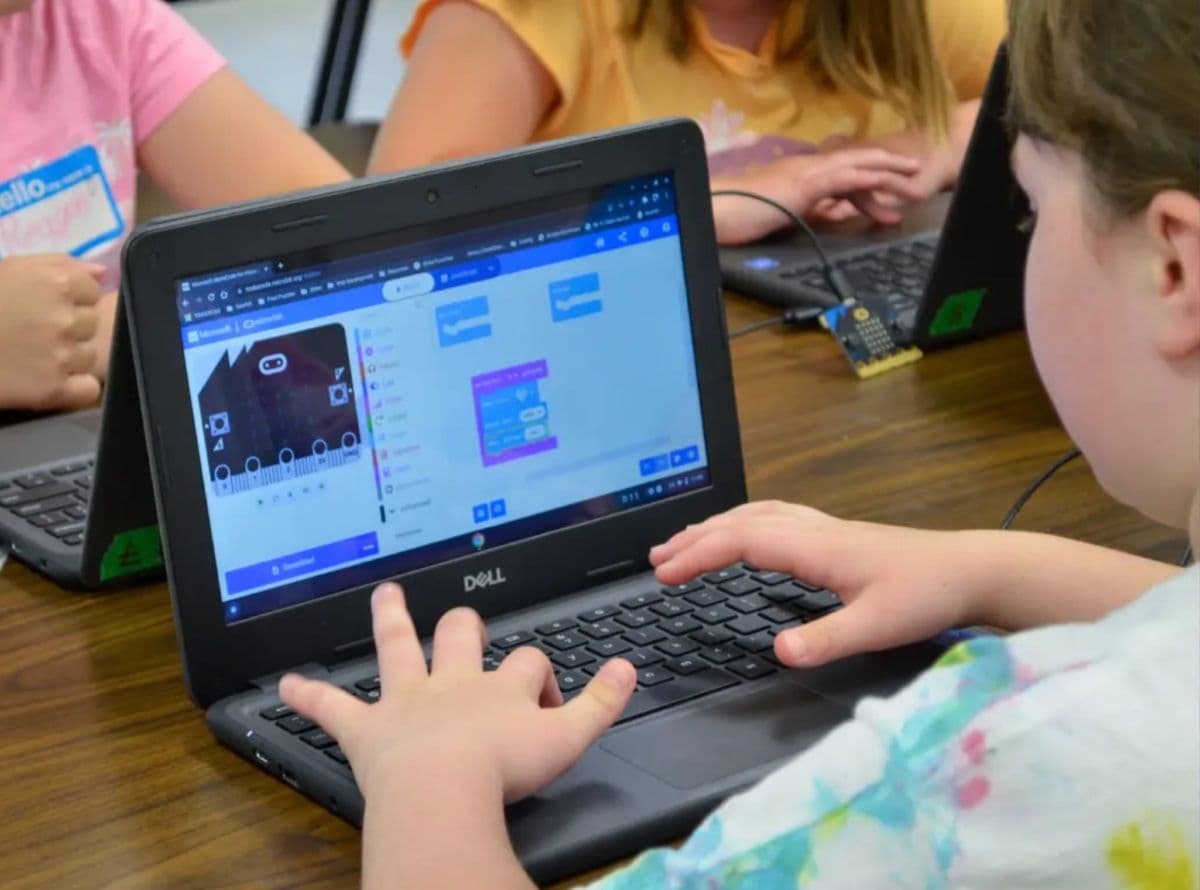
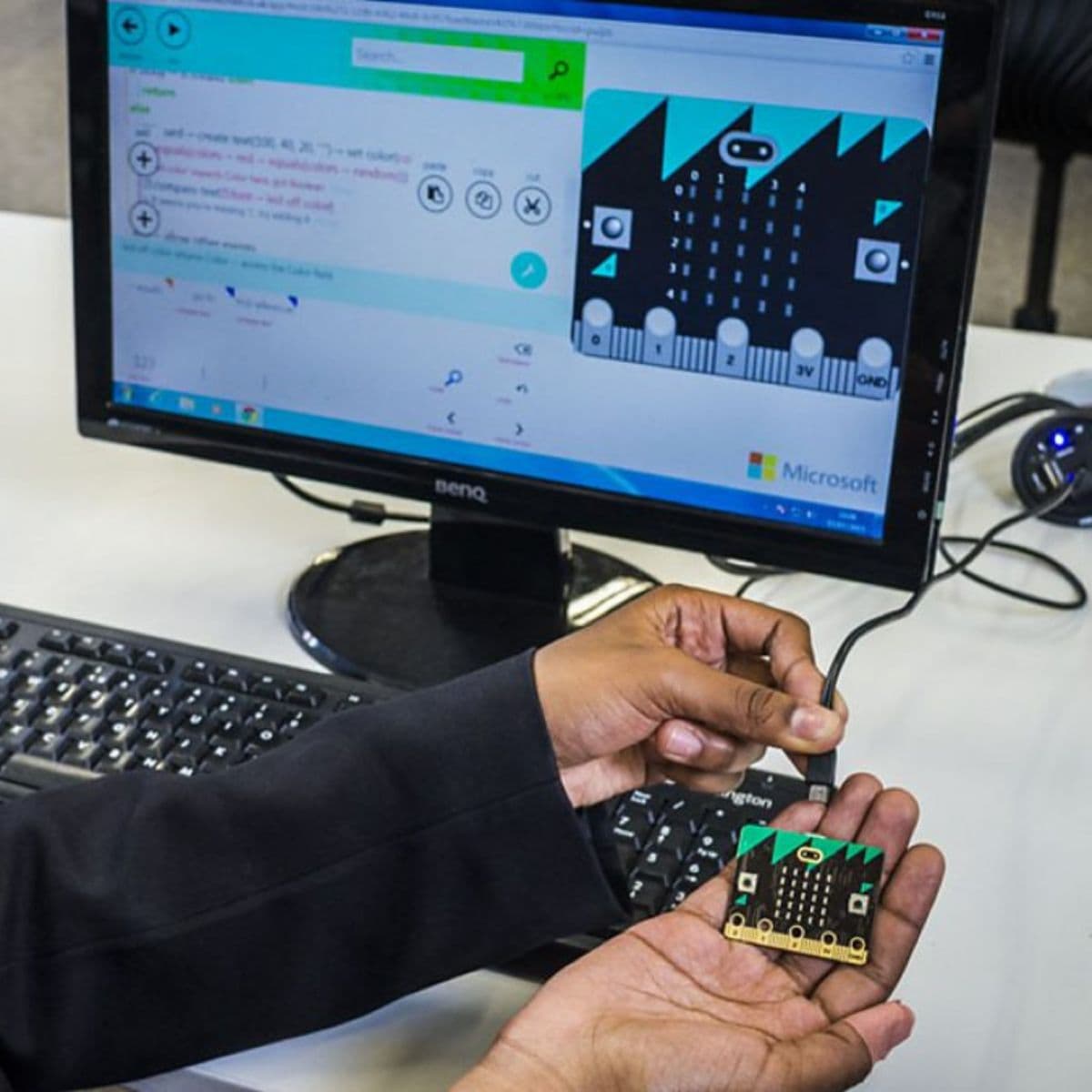
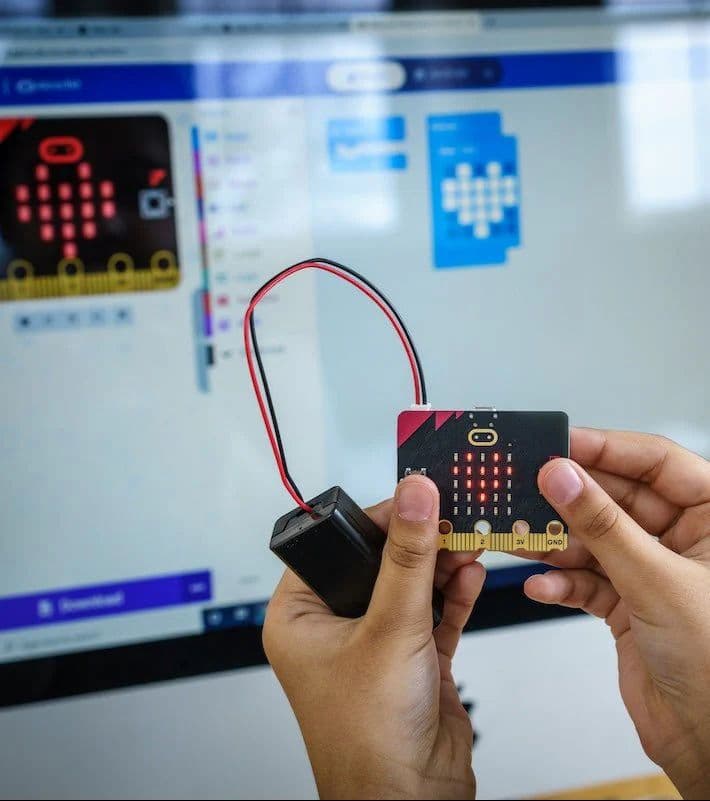
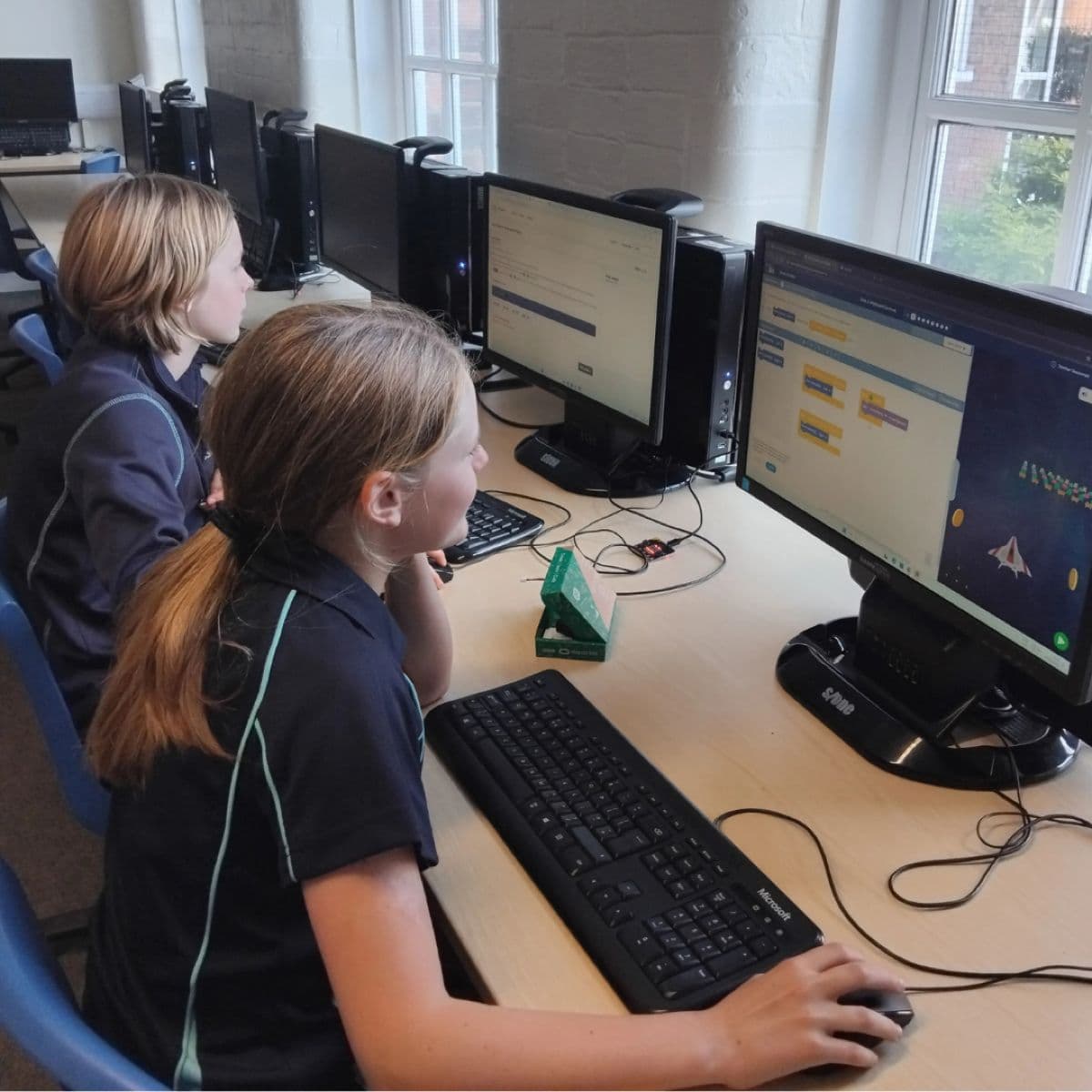
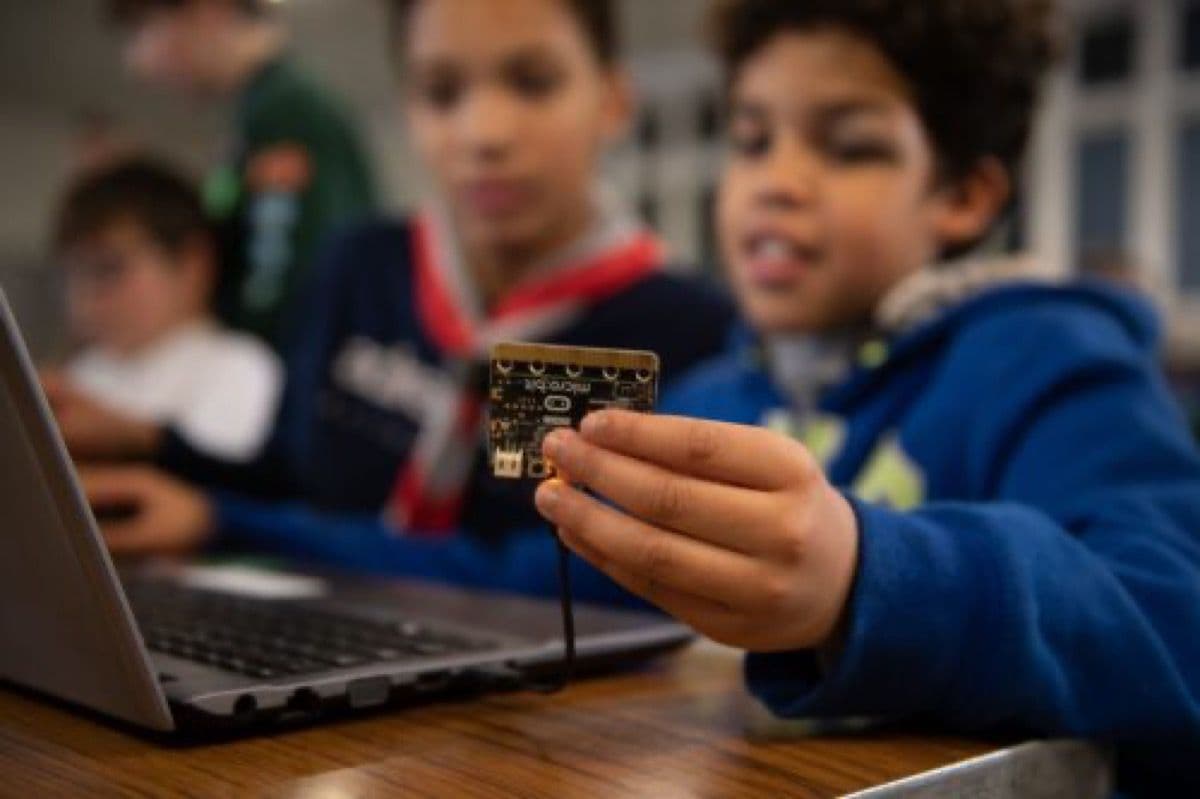
How micro:bit looks in real classrooms and coding clubs.


| Processor | Nordic nRF52833 ARM Cortex-M4F at 64 MHz |
| Flash Memory | 512 KB |
| RAM | 128 KB |
| Display | 5×5 LED matrix (25 programmable LEDs) |
| Inputs | 2 programmable buttons + touch-sensitive logo |
| Audio | Built-in speaker and MEMS microphone |
| Sensors | Accelerometer, magnetometer (compass), temperature, light level |
| Wireless | Bluetooth 5.0 + 2.4 GHz radio |
| Edge Connector | 20-pin interface + 5 ring I/O pads |
| USB | Micro-USB (programming and power) |
| Dimensions | 4 cm × 5 cm per board |
| Coding Platforms | MakeCode, MicroPython, JavaScript, Scratch |
| Compatible Devices | Windows, Mac, Chromebook, Linux, iOS, Android |
| Kit Contents | 10 complete Go bundles |
Trusted by educators in 60+ countries. One Club pack gets your entire group coding from day one.